JSON Web Token (JWT): In-Depth Overview
A JSON Web Token (JWT) is essentially a compact, URL-safe data structure used to securely transmit information between two parties.
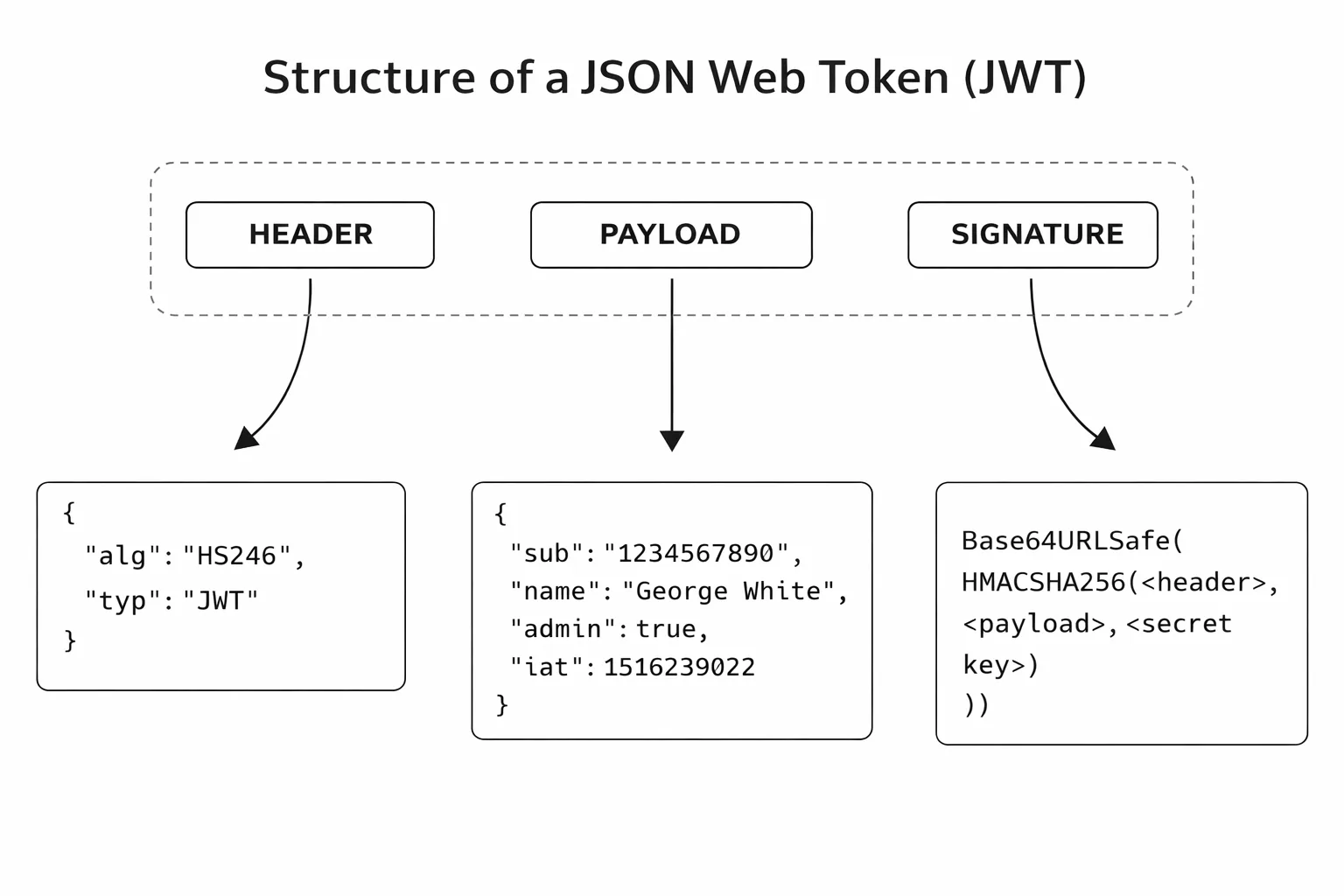
It consists of three parts, which are concatenated together using dots (.) to form the final token string:
JWT Anatomy
The Header (JOSÉ)
The Header, formally known as the JSON Object Signing and Encryption (JOSÉ) Header, is a JSON object that contains metadata about the token itself.
| Claim Key | Example Value | Description |
|---|---|---|
typ | "JWT" | Type: Indicates the object is a JSON Web Token. |
alg | "HS256" | Algorithm: Specifies the cryptographic algorithm used to sign the token (e.g., HMAC using SHA-256). |
The Payload (Claims)
The Payload, known as the Claims Set, is a JSON object that contains the actual data (claims or assertions) about the subject (usually the user) and other token properties.
| Claim Key | Example Value | Description |
|---|---|---|
sub | "user@example.com" | Subject: The principal the token is about (usually the user ID or email). |
exp | 1764355200 | Expiration Time: A timestamp indicating when the token must no longer be accepted. |
iat | 1764268800 | Issued At: The timestamp when the token was created. |
role | "ADMIN" | A custom claim used by the application to hold user roles. |
The Signature (The Seal)
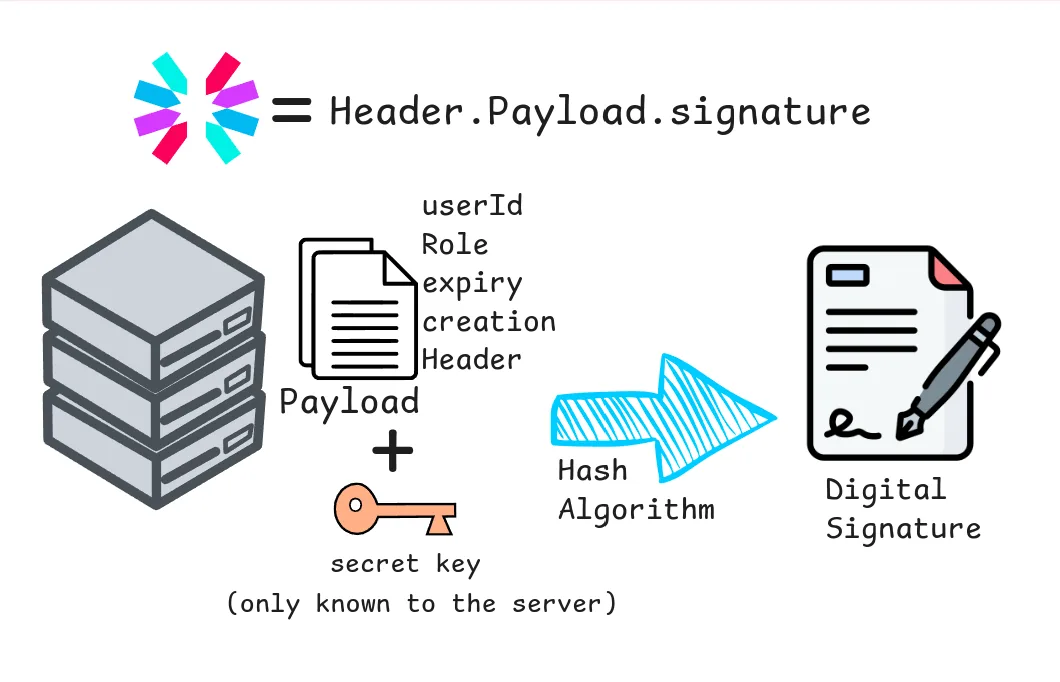
The Signature is the security guarantee of the JWT. It ensures the token hasn't been tampered with and verifies that the token was genuinely issued by the server.
- Process: The signature is created by taking the encoded Header, the encoded Payload, and a Secret Key (known only to the server) and feeding all three into the cryptographic algorithm specified in the Header (e.g., HS256).
JWT Workflow
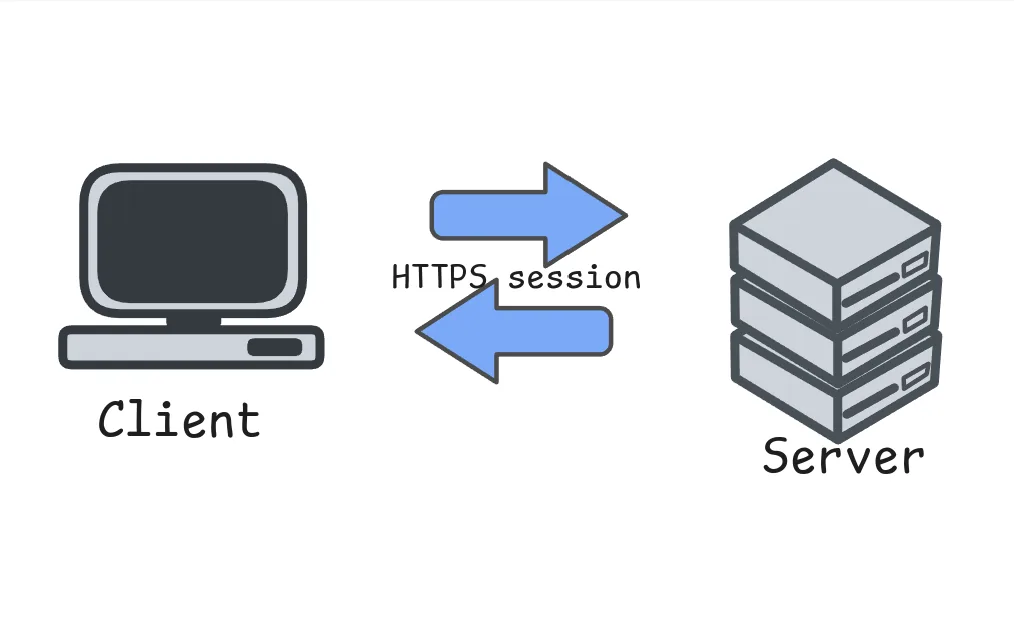
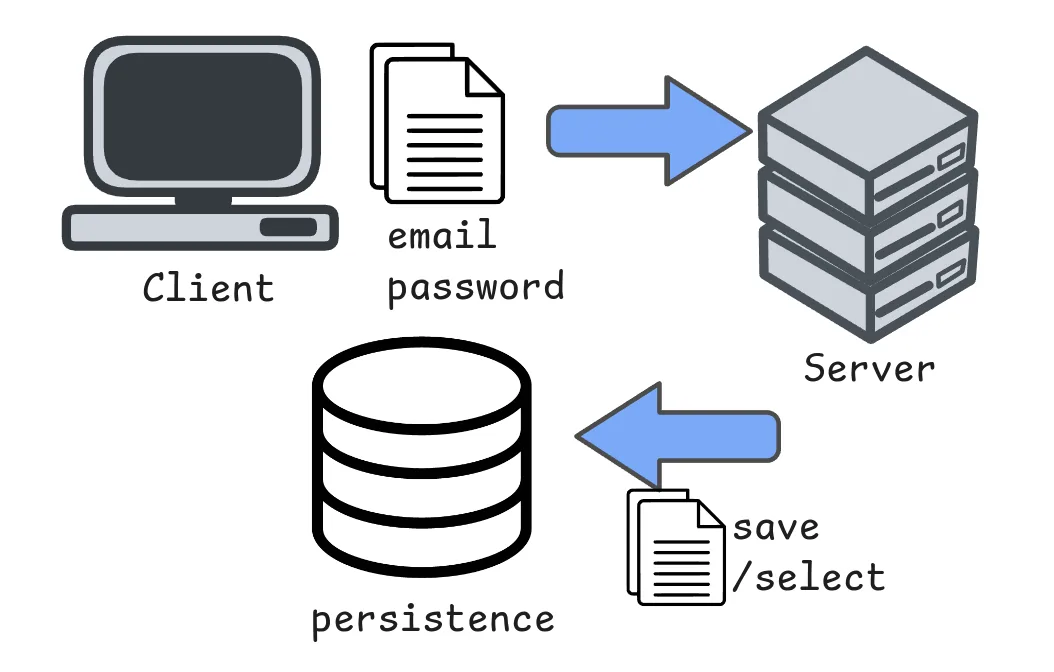
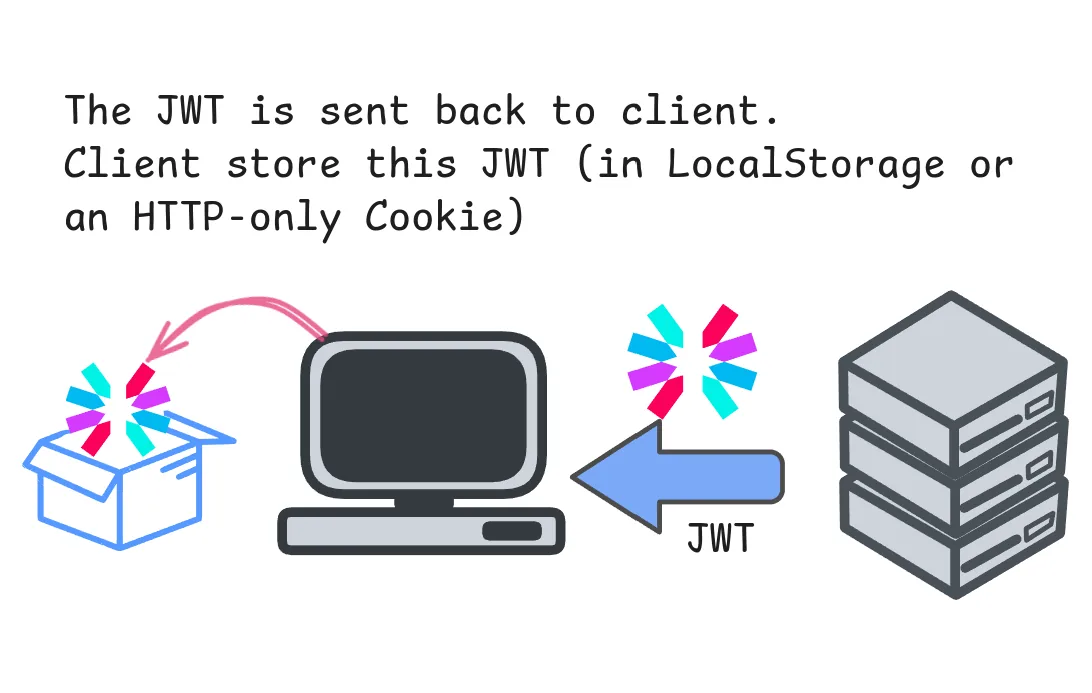
Authorization: Bearer <token>).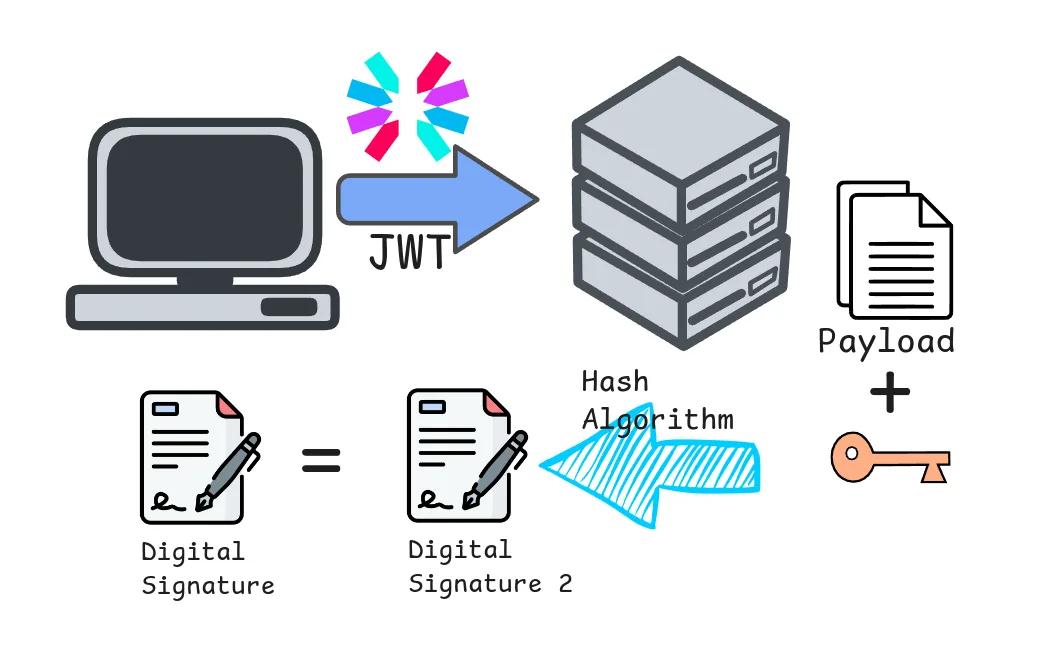
digital signature
A digital signature is a cryptographic proof that a message came from the claimed sender, wasn’t altered, and can’t later be denied. The sender hashes the data, signs that hash with their private key, and anyone with their public key can verify the authenticity, integrity, and non-repudiation of the message.
RS256
In a larger microservices setup you’ll usually switch to asymmetric keys:
- Signing: The auth service hashes the payload and encrypts that hash with its private key; the output becomes the signature.
- Verification: Any other service uses the public key to decrypt the signature, recovers the original hash, and compares it to the hash it computed locally. If the hashes match, the token is trusted.